
Dinner, sorted. Together.
One shared fridge door for your household: recipes from anywhere, this week's meals, and a grocery list you both check off.

This week
- MonSheet-pan gnocchi
- WedHot dogs at Grandma's
- ThuTortilla soup
- FriPizza night
- SatLeftovers
- SunLemon roast chicken
Remember this?
Green chile enchiladasYou both rated it 5 tacos. Last made in March.
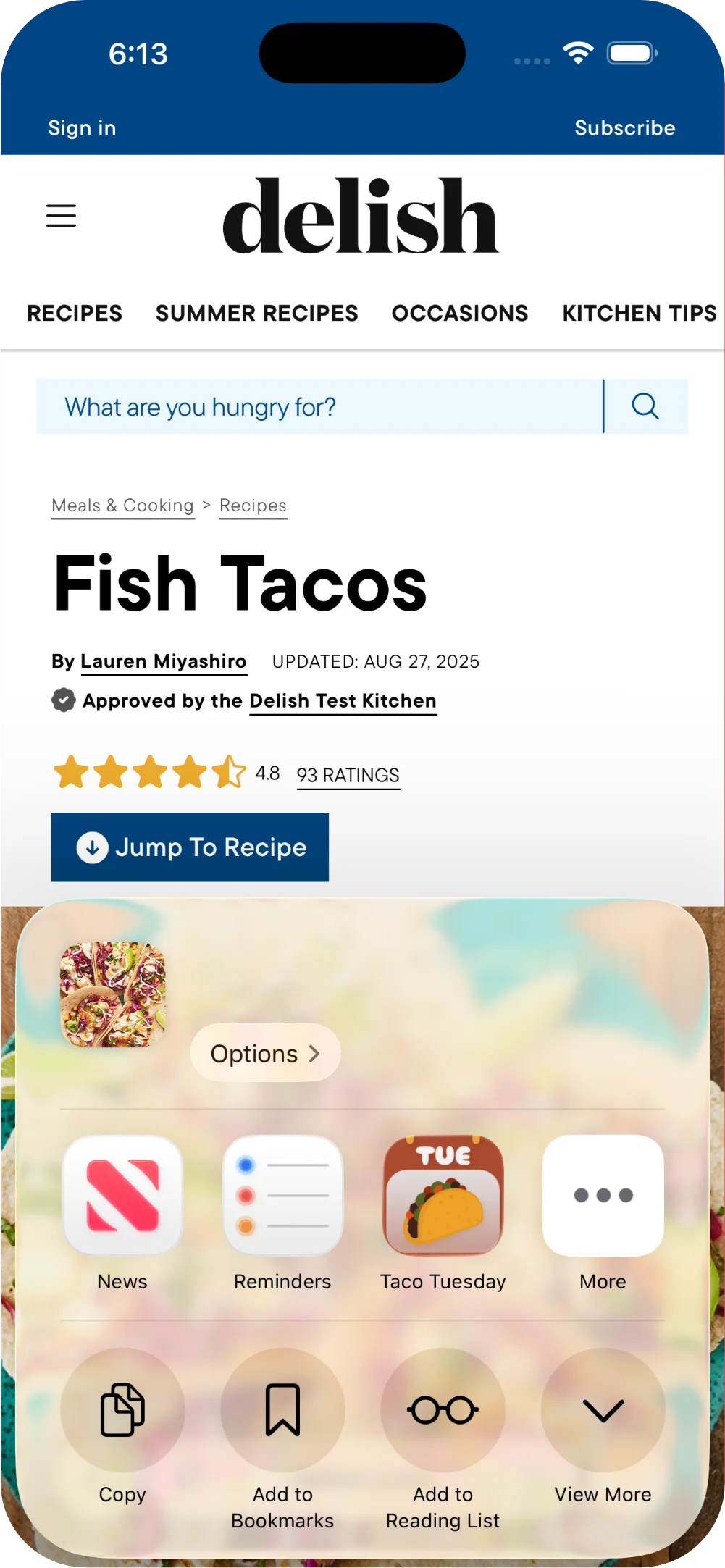
Clip any recipe, from anywhere
Paste a link from pretty much any recipe site, share from TikTok or Instagram, paste text, or snap a photo of grandma's handwritten card. Ingredients, steps, and photo come in on their own, and you can bring your whole box over from Paprika, Crouton, or Mela.
- Links, social captions, and pasted text
- Photos of handwritten cards, scanned on the phoneiPhone
- Save straight from the share sheetiPhone
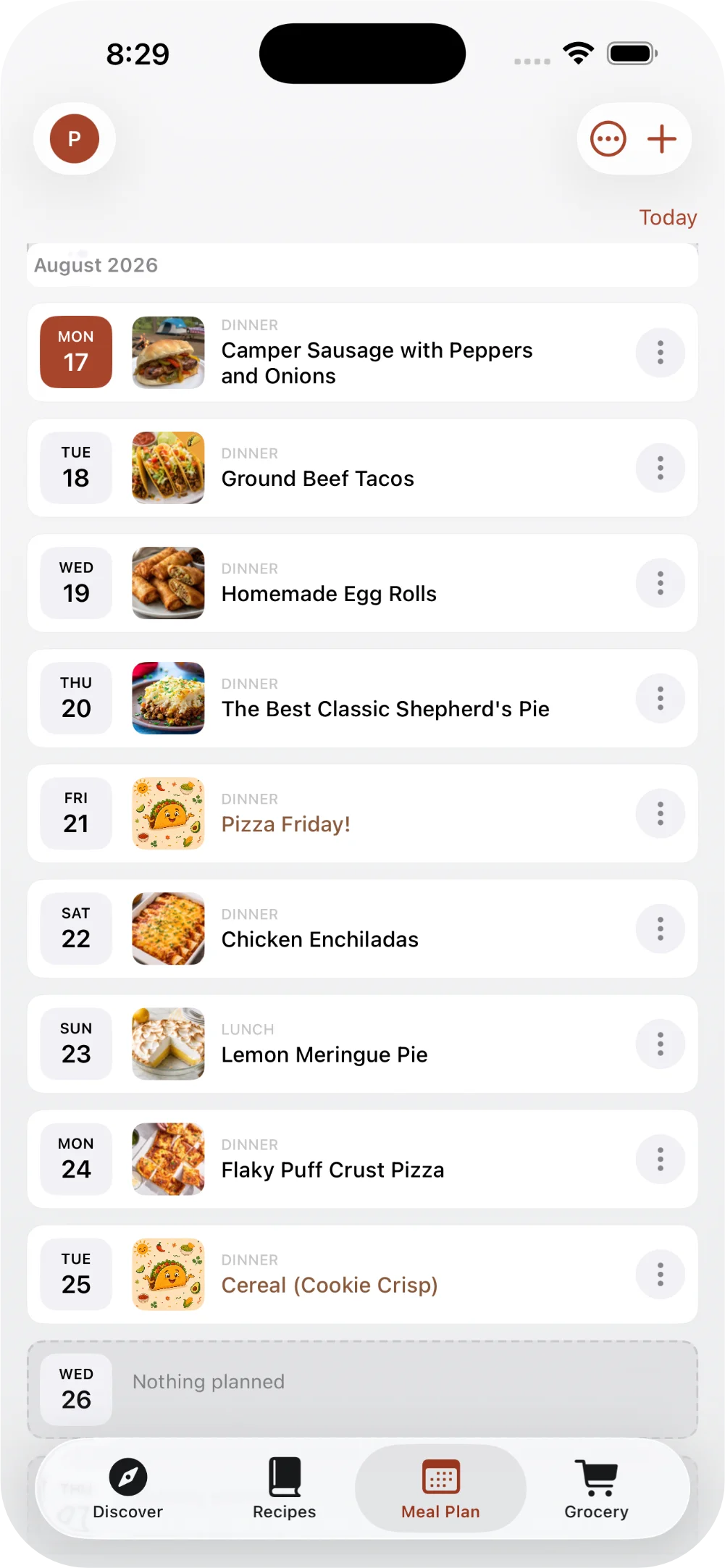
Plan the week together
Anyone in your household can drop a recipe on a day, set the servings, and see what everyone else added. For off-the-cuff nights like hot dogs at Grandma's, Quick Add puts it on the plan with no recipe needed. Land a taco recipe on a Tuesday and the app throws a little taco confetti.
- One shared plan for the whole household
- Subscribe to it from your calendar
- Tonight's dinner on your Home ScreeniPhone
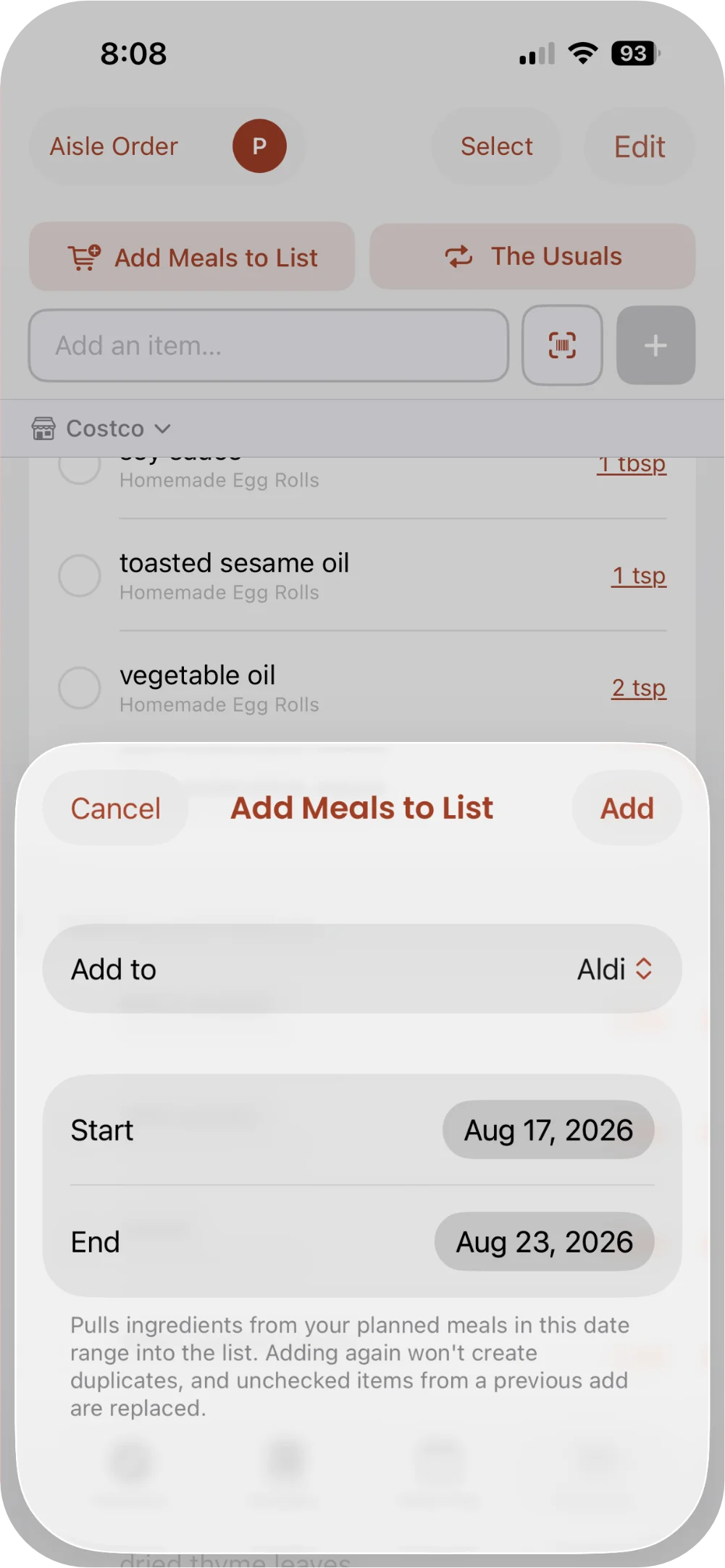
One list, two phones
Tap Add Meals to List and every ingredient for the week lands on your grocery list, scaled to servings, sorted by aisle, and split across the stores you actually shop at. Check something off in the store and it's checked off on everyone's phone too.
- Your usuals, like milk and eggs, in one tap
- Add pantry items by barcode
- Or by snapping the packageiPhone
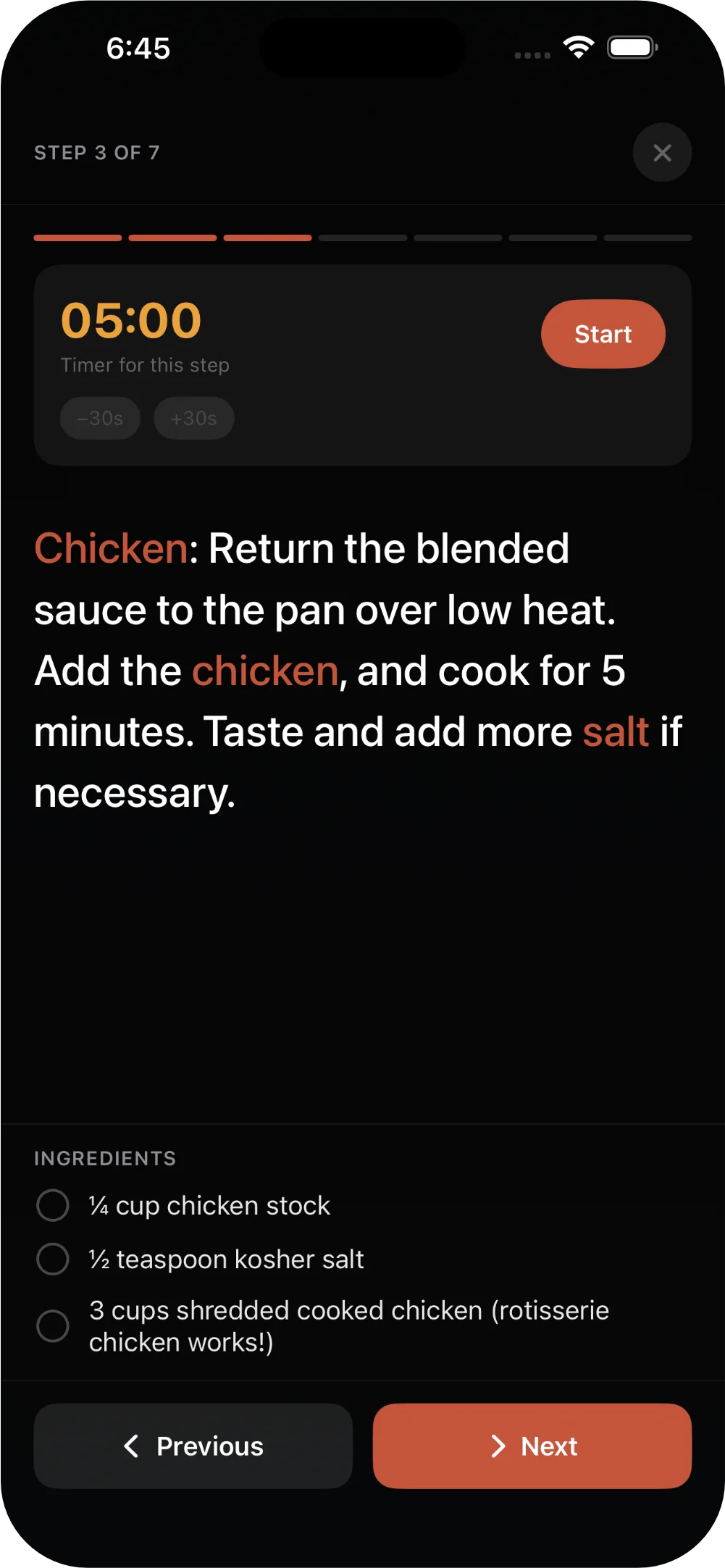
Hands full? Use your voice
Cooking mode goes full-screen and highlights the ingredients for the step you're on. Move through it hands-free with your voice, so nobody taps the phone with raw-chicken hands. When you're done, mark it cooked and rate it.
- Step timers and highlighted ingredients
- Servings that scale, fractions and all
- Ask Siri to step through itiPhone
It remembers what you loved
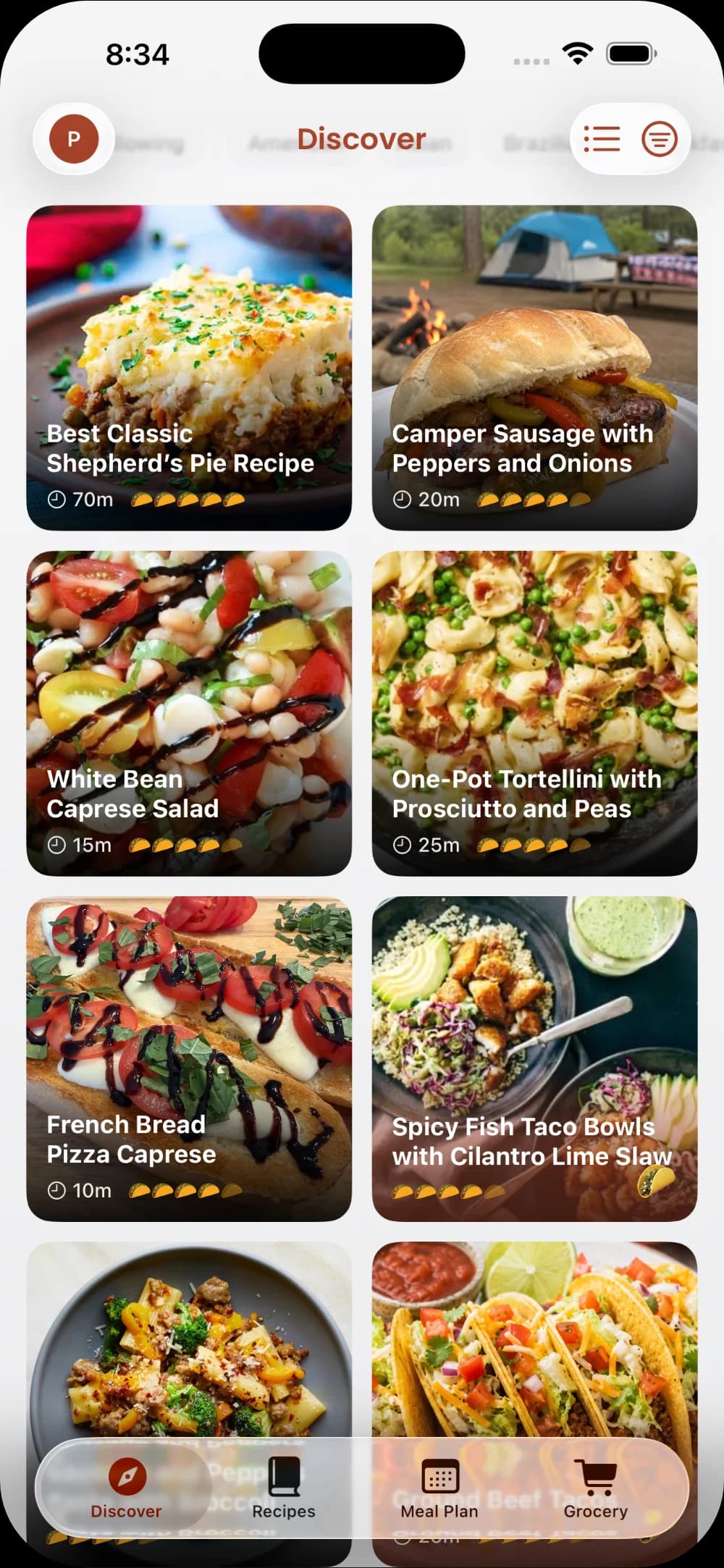
Every recipe keeps your rating, your household's rating, and the last time you made it. When a favorite has gone quiet for a while, Taco Tuesday brings it back with a little nudge: remember this? And when you're out of ideas, browse what other home cooks are making.
- Cook history on every recipe
- Your rating, your household's, and everyone's
- Follow home cooks you like
The Whole Enchilada
Free for 21 days
then $2.99/month or $29.99/year. No credit card to start.
- Unlimited recipes and clipping
- Meal plans and grocery lists across stores
- One subscription covers your whole household (up to 5 people)
- Cooking mode with voice control
If you don't subscribe after 21 days, nothing is deleted. Your recipes, plans, and lists stay readable, and you can edit again whenever you subscribe.